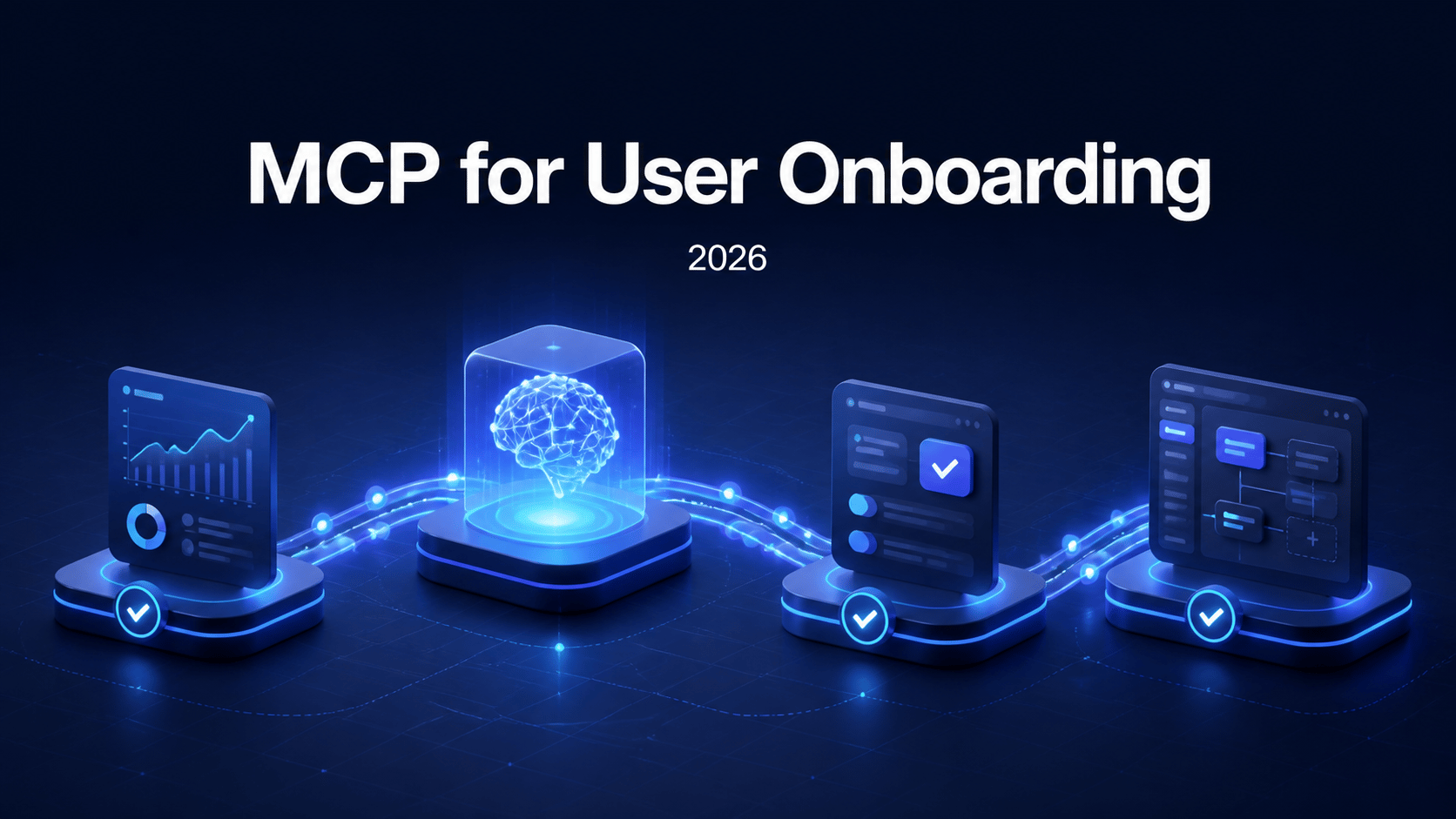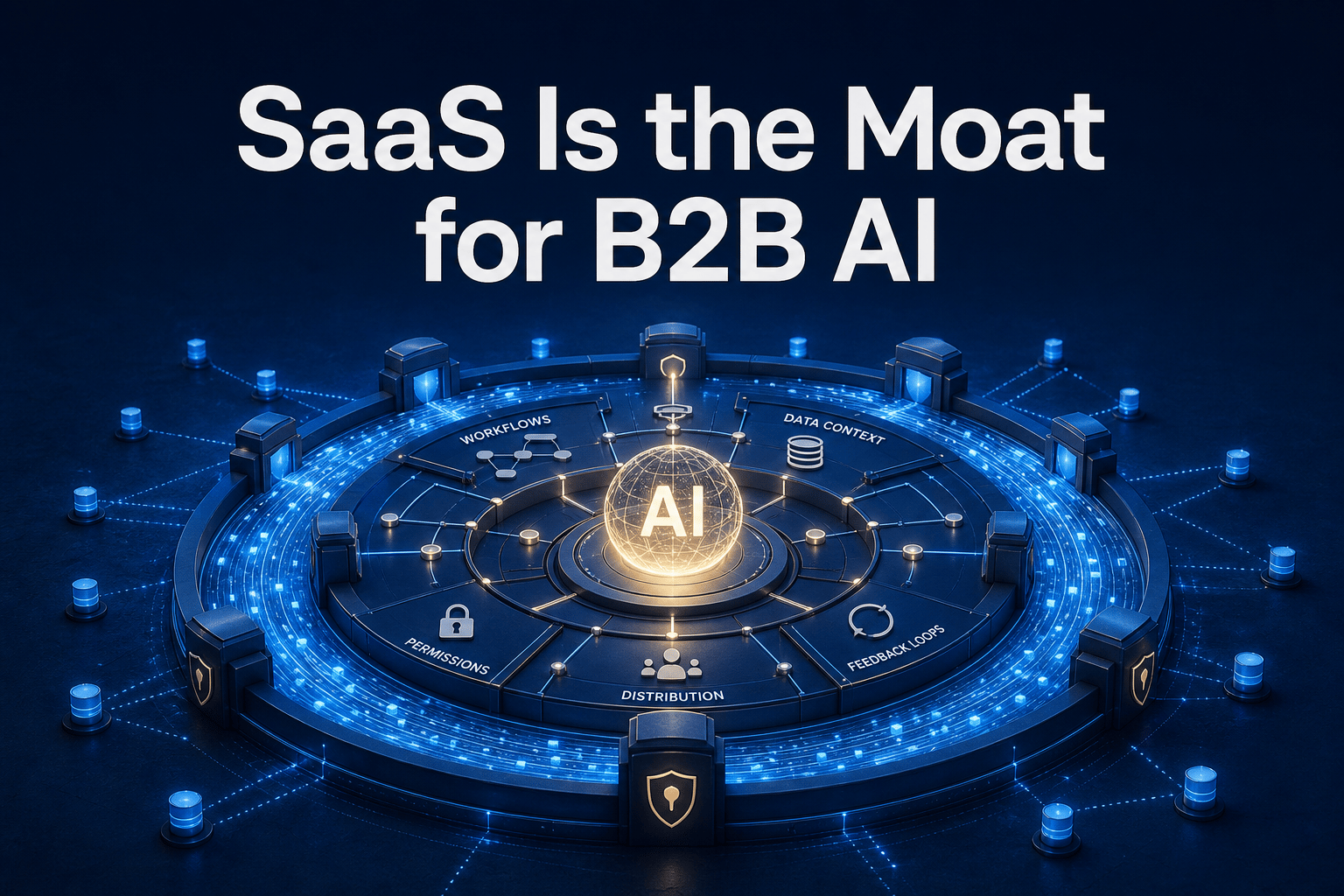

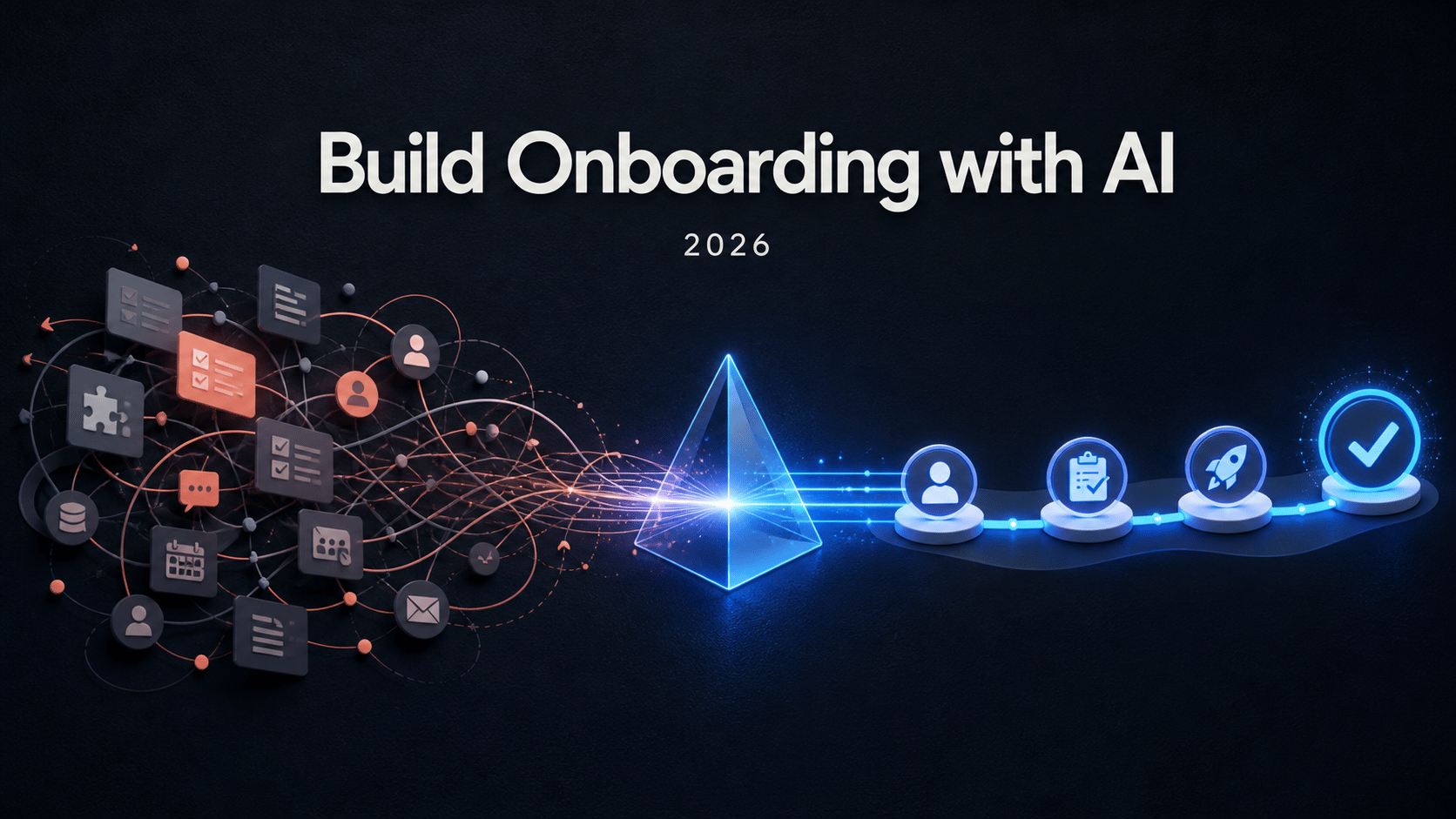
Building user onboarding has traditionally involved a surprising amount of translation work.
A product team defines the feature. A designer decides how to explain it. A developer installs the onboarding SDK and exposes the right user data. Someone recreates the experience in a visual builder, selects elements, writes the copy, matches the theme, configures the audience, and tests every step. When the product UI changes, part of that work starts again.
None of those tasks is individually impossible. The problem is the number of handoffs between them.
In 2026, AI assistants can remove much of that coordination overhead. An assistant working inside the product codebase can understand the feature, inspect the real interface, connect to an onboarding platform, and build the experience with the same context it used to understand the app.
That does not mean asking AI to "make an onboarding tour" and publishing whatever comes back. The useful workflow is more deliberate: inspect, plan, author, verify, and improve.
This guide shows how that workflow works with AI assistants such as Claude Code, Cursor, Codex, or VS Code connected to Usertour through MCP.
Watch an AI assistant build onboarding in a real app#
The video below shows the complete workflow in a real shadcn-admin application.
Claude Code notices that the Usertour SDK is missing and installs it. It reads the app's design system, works with elements from the real interface, and then creates a feature flow, an adoption checklist, a product-feedback survey, a welcome announcement, and a Resource Center.
The important part is not that the assistant can generate five types of content. It is that the content is created from the same product context used to build and inspect the application.
Why the traditional onboarding workflow takes so long#
Most onboarding projects are slowed down by context switching rather than by the visual editor itself.
Traditional workflow
Context moves between people and tools
- Product explains the feature and intended outcome
- Engineering installs the SDK and adds identity data
- Design and growth recreate the product context in a builder
- Element selectors, targeting, and themes are configured manually
- Testing reveals mismatches and sends the work back around the loop
AI-assisted workflow
Context stays with the task
- The assistant inspects the feature, UI, and design system
- It installs or checks the SDK integration in the codebase
- It authors the onboarding directly in the connected project
- It validates structure, audience rules, and delivery conditions
- A human reviews the experience and decides when it ships
The traditional process also encourages teams to settle for a single welcome tour. After spending time coordinating one flow, building the checklist, survey, announcement, and persistent help experience around it can feel like a second project.
An AI assistant reduces the marginal cost of creating those connected pieces. The team can spend more of its time deciding what users need to accomplish and less time translating that decision into multiple configurations.
The AI-assisted onboarding workflow#
The most reliable process has six stages. Each stage gives the assistant enough context to proceed without handing it more control than it needs.
1. Connect the assistant with scoped access#
Start by connecting the AI client to Usertour's MCP server. MCP gives the assistant structured tools for working with content, themes, audiences, events, analytics, versions, and publishing.
For Claude Code, the Usertour plugin registers the MCP connection and the relevant authoring skills:
/plugin marketplace add usertour/skills
/plugin install usertour@usertour
Run /mcp, authorize in the browser, and choose the project, environments, and permissions the assistant can use. Other clients—including Cursor, Codex, VS Code, and ChatGPT—can connect to the same MCP endpoint using the instructions in Settings.
Use the smallest useful grant. An assistant working on a draft may need content and theme access in development, but it may not need permission to publish to production.
2. Let the assistant inspect the product first#
Generic onboarding usually comes from generic context.
Before asking for a flow, ask the assistant to inspect the relevant page, component structure, routes, design tokens, and existing SDK integration. If it can access a running browser, let it verify the real DOM and identify stable element selectors.
This changes the quality of the result. The assistant can see:
- What the feature actually does
- Which controls represent meaningful user actions
- How the application names those actions
- Which page and UI state are required
- How spacing, color, typography, and buttons should look
- Whether Usertour is initialized and users are identified correctly
The first prompt can be simple:
Inspect the Create Task experience in this app. Before building onboarding,
explain the user's goal, the shortest path to value, the relevant routes and
elements, and any Usertour SDK work that is still required.
This creates a useful checkpoint. You can correct the assistant's understanding before it creates content.
3. Ask for an outcome, not a tour of the interface#
"Create a product tour" is usually too vague. It encourages the assistant to describe every visible control instead of helping the user complete a valuable task.
A better request defines:
- The user or segment
- The outcome they should reach
- The moment when guidance is useful
- The constraints the experience must respect
- The evidence that it is ready
For example:
Build onboarding for new workspace admins who need to create their first task.
Guide them only through the decisions required to finish that job. Match the
app's design system, use stable elements from the running page, avoid redundant
steps, and leave the result as a draft for review.
This prompt gives the assistant a product problem, not a request for UI decoration.
4. Build a journey across the right onboarding surfaces#
Not every problem should become a tooltip flow. AI is most useful when it can select and connect the right onboarding surfaces around the job.
For example, a complete activation journey might include:
- A concise announcement that introduces the product's value to new users
- A feature flow that helps users complete their first meaningful task
- A checklist that makes multi-step setup visible and launches relevant flows
- A survey that collects feedback after the user has enough experience to answer
- A Resource Center that keeps useful guidance available on demand
Ask the assistant to explain why it chose each surface. That prevents the workflow from becoming "more content is better."
The best onboarding is often smaller than the first draft. AI makes content inexpensive to create; product judgment is still needed to decide what should not be shown.
5. Validate and review before publishing#
An assistant can create a configuration that looks reasonable but never appears for the intended user. A selector may no longer exist. A URL rule may be too narrow. A start condition may never become true. Two experiences may compete for the same session.
Treat validation as part of authoring, not as cleanup after authoring.
Before publishing, check:
- Does every flow have a valid route to start?
- Do element selectors resolve against the running interface?
- Are audience and company conditions based on available data?
- Does the theme remain readable across the relevant UI states?
- Are frequency, dismissal, and priority rules sensible?
- Do links, actions, embedded media, and connected flows work?
- Does the experience render correctly at the supported viewport sizes?
Usertour's MCP tools can validate content versions before release and diagnose delivery conditions. The human review should then focus on the parts that require judgment: usefulness, timing, tone, and whether the experience deserves the user's attention.
6. Diagnose and improve after launch#
Publishing is not the end of onboarding work. The experience needs to reach the right users and help them perform the intended behavior.
When something is not showing, an AI assistant can inspect the relevant gates—publish status, identity, start rules, frequency, session state, and browser-dependent conditions—and explain what is blocking delivery.
It can also use analytics and survey responses to help the team ask better follow-up questions:
- Where do users leave the flow?
- Which checklist task has the lowest completion?
- Do users who complete the experience reach activation faster?
- Which survey themes point to missing context or product friction?
- Should a weak step be rewritten, moved, or removed?
The goal is a closed loop: build from product context, observe behavior, and improve the experience with evidence.
What AI assistants are good at—and what humans should own#
AI assistants are especially effective at work that is constrained but time-consuming:
- Reading the product code and design system
- Installing and checking SDK integration
- Turning a defined user outcome into structured onboarding content
- Matching themes and reusing established terminology
- Creating connected flows, checklists, surveys, and resources
- Checking configurations and investigating delivery problems
- Summarizing analytics and qualitative feedback
Humans should continue to own the decisions that define the customer experience:
- Which user outcome matters most
- Whether guidance is necessary at all
- What the product should teach through its interface instead
- Which audience deserves an interruption
- What tone represents the brand
- Whether the experience is ready for production
The productive division of work is not "AI creates, human approves." It is a tighter collaboration: the human defines the outcome and constraints, the assistant does the context-heavy construction, and both participate in review and iteration.
Five practices for better AI-built onboarding#
Start with one real job#
Choose a concrete activation or adoption task. Avoid asking for a complete tour of the product in the first prompt.
Require product inspection#
Make the assistant read the relevant code and inspect the running UI before it authors content. A plausible selector is not the same as a verified selector.
Keep the first result as a draft#
Review copy, timing, targeting, and visual behavior before granting production publishing access. Increase autonomy only when the workflow has earned it.
Ask the assistant to explain its choices#
Require a short rationale for the selected audience, trigger, content type, and number of steps. This exposes weak assumptions early.
Measure product behavior, not just onboarding completion#
A completed tour is not the final outcome. Connect the experience to the action that represents value: a created project, an invited teammate, a published workflow, or another meaningful product event.
The real advantage is keeping product context connected#
AI does not improve onboarding merely because it writes copy faster. The larger benefit is that the context no longer has to be reconstructed in every tool.
An assistant can understand the feature in the codebase, see it in the running product, build the relevant experiences in Usertour, verify them against the same interface, and return later to investigate performance or delivery.
That turns onboarding from a separate production line into part of the product-development workflow.
The result should not be more tours. It should be less coordination, faster iteration, and more time spent on the question that actually matters: what will help this user reach value now?
Follow the complete walkthrough—including the prompts used in the video—in Build Your Onboarding with AI. To connect Claude Code, Cursor, Codex, VS Code, ChatGPT, or another client, see the Usertour MCP server guide.