
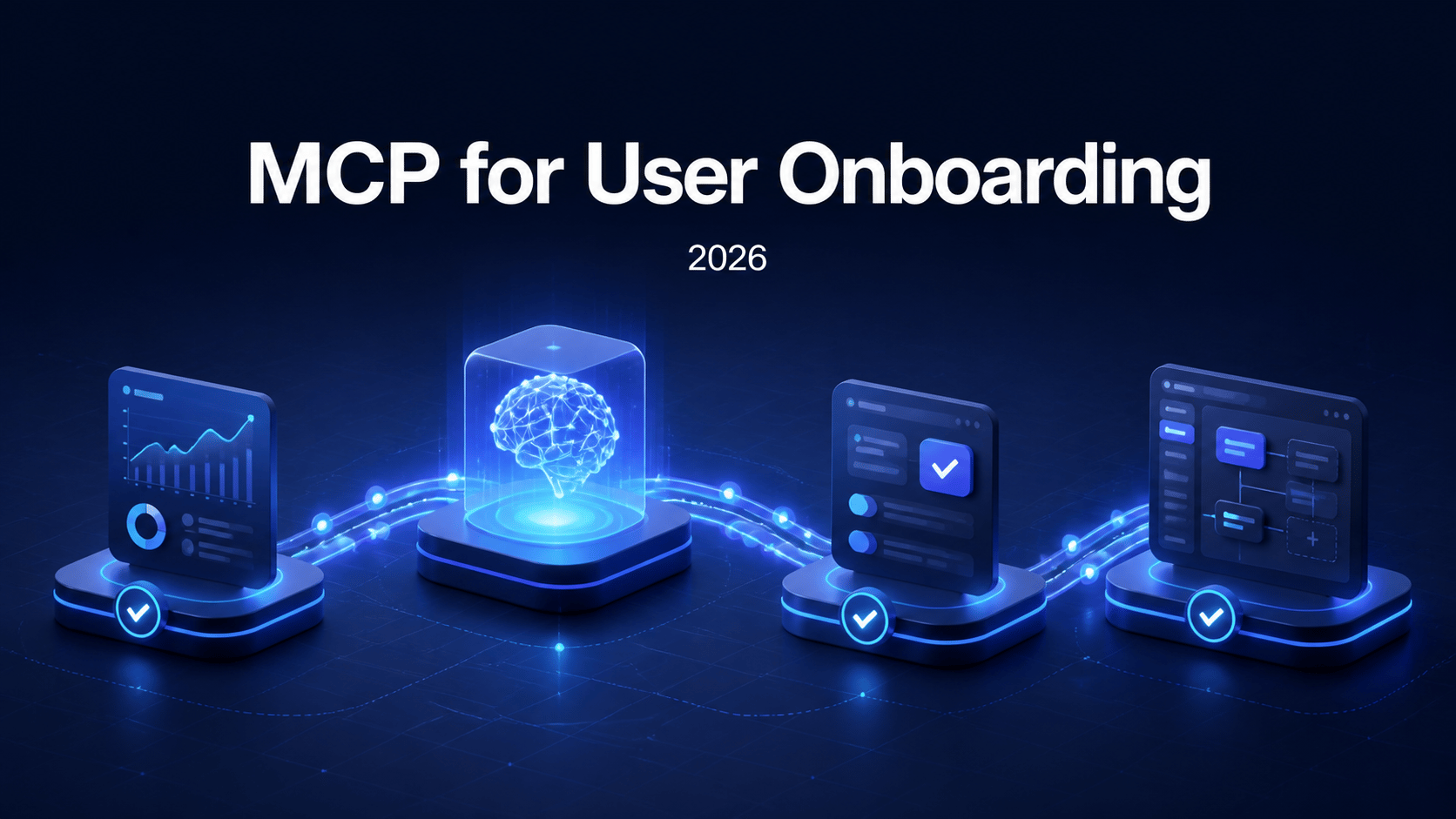
MCP is arriving in user onboarding software. But the useful question is not simply, "Which onboarding platform supports MCP?"
It is: what can an AI assistant actually do once it connects?
In one product, an assistant may summarize guide performance. In another, it may publish an existing experience. In another, it can create onboarding content, validate it against delivery rules, and diagnose why a user is not seeing it.
Those are very different workflows. Treating them as the same creates a misleading comparison.
This guide looks at the public MCP documentation for Pendo, Appcues, Chameleon, and Usertour as of August 2026. It focuses on documented capabilities—not demos, roadmap statements, or assumptions—and uses three practical levels: read, operate, and author.
The three levels of MCP for onboarding#
Model Context Protocol (MCP) gives AI clients a structured way to use a product's tools and data. For onboarding teams, that can remove the handoff between an assistant that understands the product work and a separate tool where guidance has to be recreated manually.
But MCP access is not a single capability. It usually falls into one or more of these levels:
Read
Query onboarding, feedback, and product data.
“Which published tour has the lowest completion rate?”
Operate
Take a limited action on existing content or records.
“Publish this already-approved experience.”
Author
Create, revise, validate, publish, and troubleshoot onboarding.
“Build a checklist for the new workspace setup, then verify who can see it.”
Read access can make reporting much faster. Operating access can reduce repetitive admin work. Authoring changes the production workflow: the assistant can participate in building onboarding, but needs stronger guardrails around validation, permissions, and review.
MCP support at a glance#
MCP focus
Flows, experiences, segments, goals, NPS, events, and survey responses.
Actions
Read-only, except for publishing or unpublishing experiences. No edit or delete tools are documented.
Best fit
Analysis and managing the state of existing experiences.
MCP focus
Product, visitor, account, guide, feedback, and analytics context.
Actions
Optional write tools can be enabled for selected actions, such as creating feedback items.
Best fit
Product-data questions and selected feedback workflows.
MCP focus
Live onboarding and product data, including tours, engagement, churn signals, and survey performance.
Actions
The public setup guide describes querying data; it does not describe write operations.
Best fit
Fast answers about onboarding performance and user behavior.
MCP focus
Content, schemas, themes, audiences, analytics, and delivery diagnostics.
Actions
Create, update, validate, publish, and diagnose onboarding within granted scopes.
Best fit
Building and operating onboarding with an AI assistant in the development workflow.
The table is intentionally narrow. A platform may have many capabilities outside MCP; this comparison is about the MCP surface its public documentation describes.
Appcues: strong analysis, with publishing as the exception#
Appcues documents an MCP server that lets an AI client query account data for flows, experiences, segments, goals, NPS, events, and survey responses. That makes it useful for questions such as:
- Which experiences are live, and where are people dropping off?
- Which segment qualifies for an experience?
- How did NPS or a survey change after a launch?
- Are there published experiences that need an audit?
The Appcues MCP documentation is unusually clear about the boundary: tools are read-only except that an AI client can publish or unpublish experiences. The server does not expose tools for editing or deleting content.
That is a sensible shape for teams that already create experiences in the Appcues builder and want an assistant to help understand the account or manage an approved launch. It is not designed, in its documented form, as a full AI authoring workspace.
Pendo: product context with selective write actions#
Pendo's MCP documentation emphasizes connecting an AI client to Pendo's product, guide, visitor, account, and feedback data. It supports common clients including Claude, Claude Code, ChatGPT, Cursor, Gemini CLI, VS Code, and Windsurf, with an administrator controlling access.
The important nuance is that Pendo documents read-only tools and an optional write mode. When write tools are enabled, its example is creating feedback items. That makes MCP useful for a workflow such as turning a product-data investigation into a recorded feedback item, while keeping write access an explicit administrative decision.
For onboarding teams, Pendo's documented MCP value is primarily product intelligence: bringing the questions people ask about product usage and guides into the AI client where they work.
Chameleon: ask questions about the experience in real time#
Chameleon's MCP server guide positions MCP as a way to query live account data through an AI assistant. Its examples include finding tours with the highest completion, identifying engaged users, investigating churn risk, and reviewing survey performance.
That makes a good fit for teams that want to move faster from a question to an answer. Instead of navigating reports to ask, "Did the launch tour perform differently for this segment?", an assistant can retrieve the relevant context in conversation.
The public guide focuses on read and analysis workflows. It does not describe MCP tools for creating or editing onboarding content, so buyers should not assume authoring capability without confirming the current product documentation with Chameleon.
Usertour: MCP as an onboarding authoring workspace#
Usertour's MCP server is designed for an assistant that needs to do more than report on onboarding. It can work with onboarding as a production system: content, audience rules, themes, events, schemas, versions, publishing, and delivery behavior.
Within the project, environment, and permission scopes a user grants, an assistant can create flows, checklists, launchers, banners, surveys, announcements, and Resource Centers. It can work with themes, attributes, events, segments, users, and analytics; validate a content version before release; then publish or leave a draft for review.
The difference is most visible at the last mile. A configuration can be valid JSON but still fail to reach a user because of identity, start rules, frequency, session state, or publish status. Usertour's MCP includes diagnostic tools that explain why content is showing, queued, blocked, or browser-dependent for a particular user.
That makes an AI workflow more practical for a real product team:
- Ask the assistant to inspect the page and design system.
- Ask it to build one focused onboarding experience.
- Validate the draft and review it.
- Publish it when the intended audience and delivery behavior are correct.
- Diagnose a missed experience without manually tracing every runtime rule.
The video above shows Claude Code building a complete onboarding experience in a real app. For the exact workflow and prompts, read Build Onboarding with AI.
Why authoring needs more than a write endpoint#
Giving an AI assistant permission to create onboarding content sounds straightforward. In practice, it creates new failure modes.
An assistant can produce a good-looking draft that points at a missing element. It can select an audience that never becomes eligible. It can create a multi-step flow that has no route to start. And it can publish a valid configuration that conflicts with the way your team handles environments or approvals.
That is why the authoring level should be evaluated with the same seriousness as an API integration. Ask whether the platform provides:
- Schemas and guidance: Can the assistant discover the expected structure instead of guessing fields?
- Validation before release: Can it test a version against the same checks used at publish time?
- Runtime diagnostics: Can it explain why an eligible user cannot see an experience?
- Scoped access: Can you restrict the connection by project, environment, and capability?
- Auditable changes: Can the team see who changed what, through which connection, and when?
Without those controls, MCP may speed up draft creation while making production quality harder to maintain.
How to evaluate MCP support in an onboarding platform#
When a vendor says it supports MCP, use these questions to get past the headline:
- Can the assistant only read data, or can it take action? Be specific about the action: publishing, writing feedback, editing an experience, or creating a complete onboarding flow are not equivalent.
- What can it author? A tool that creates a guide is different from one that can also create the checklist, announcement, survey, and Resource Center around a full journey.
- What happens before publish? Look for dry runs, validation, and a clear draft-versus-published workflow.
- Can it diagnose delivery? Reporting that a guide exists is not the same as explaining why a particular user cannot see it.
- How is access governed? Check OAuth support, least-privilege scopes, environment selection, revocation, and audit history.
- Does it work where your team already builds? The best connection is useful in the AI clients and development workflow your product, growth, and engineering teams already use.
Which approach is right for your team?#
There is no universal winner. The right MCP surface depends on the job you want an assistant to do.
- Choose an analysis-first approach when the main need is asking better questions about adoption, surveys, segments, and guide performance. Appcues and Chameleon document this most directly.
- Consider Pendo when the assistant needs broad product and feedback context, with selected write actions controlled by an administrator.
- Choose an authoring-first approach when the team wants an assistant to build, validate, publish, and troubleshoot onboarding as part of product delivery. That is where Usertour is focused.
The broader shift is not that every onboarding tool will suddenly be operated by agents. It is that onboarding no longer has to sit outside the product context where a team is already planning, coding, and investigating user behavior.
The teams that benefit most will keep humans responsible for the customer journey while using MCP to remove the repetitive translation work around it.
To try the authoring workflow, connect Usertour to your AI client with the MCP server guide, or follow the hands-on Build Onboarding with AI tutorial.