

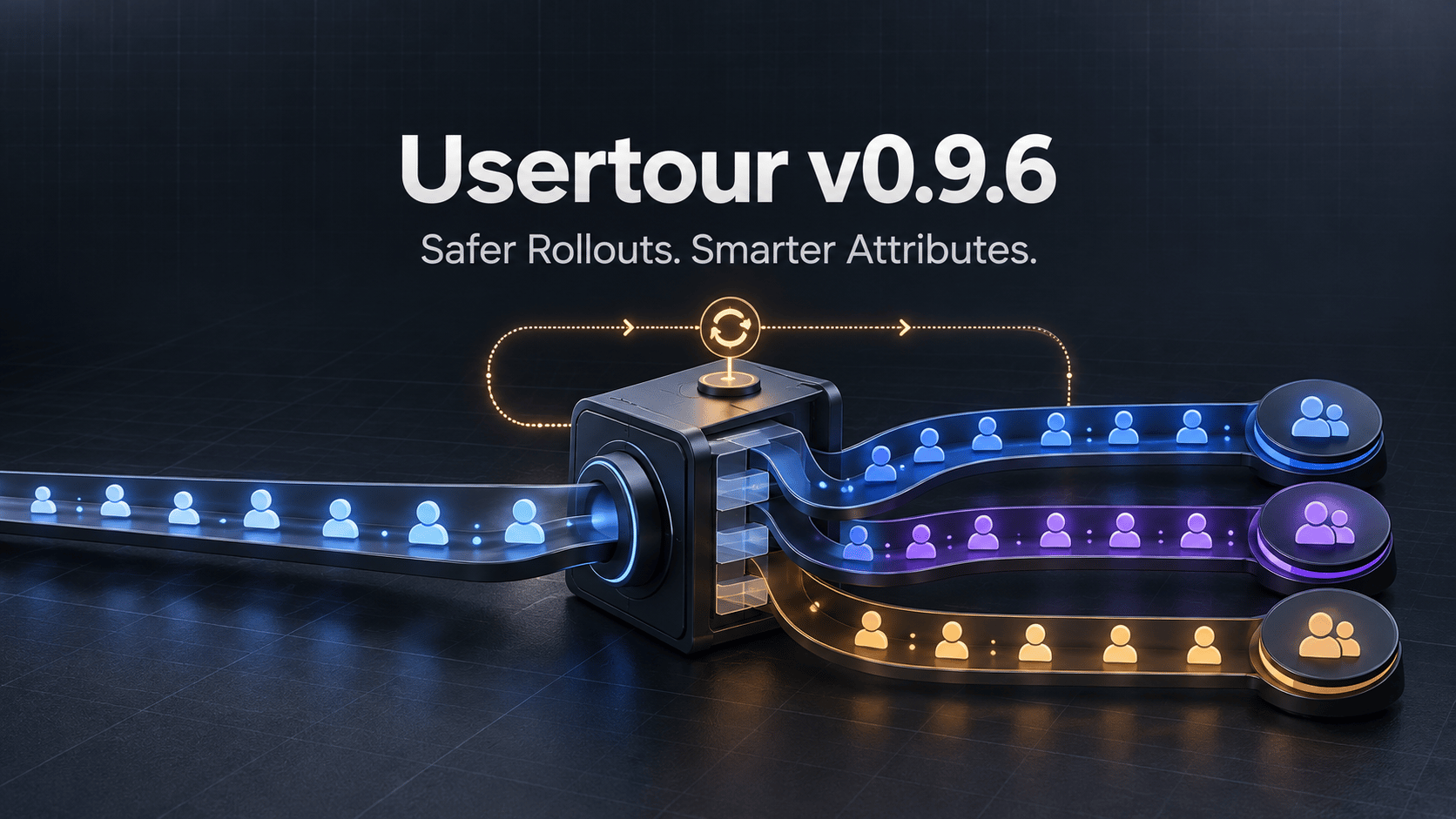
Onboarding becomes more useful when it can respond to real product state: what a user has done, which experiment they belong to, whether they are ready for a feature, and what should happen next.
It also becomes more demanding. Attribute updates have to be safe. Rollout groups have to stay stable. The SDK has to recover when a connection drops. And when content does not appear, developers need an answer that is better than “try reloading the page.”
Usertour v0.9.6 strengthens that foundation.
This release introduces system-assigned random bucketing for A/B tests and gradual rollouts, a complete vocabulary for attribute writes, automatic SDK connection recovery, and a new debug log. It also expands localization into the API and MCP, protects historical references with soft deletion, and fixes four runtime bugs discovered by a new SDK test suite.
Rollouts
Stable A/B groups and percentage-style cohorts without client-side assignment code.
Attributes
Atomic operations for first-touch values, counters, and list membership.
Reliability
Automatic reconnection, replayed writes, and a decision-by-decision SDK debug log.
Stable random bucketing, managed by Usertour#
Many teams want to roll out onboarding gradually or compare two experiences, but do not want to build and persist experiment assignments in their own application.
v0.9.6 adds two attribute types whose values are assigned by Usertour:
- Random A/B assigns each user or company to
AorB. - Random number assigns a whole number from 1 to a maximum you choose.
The assignment is derived from the attribute and the user or company ID. That gives it the properties a rollout needs: the value is stable across devices, does not change between sessions, and remains unchanged if you later increase the maximum for a Random number attribute.
Existing users and companies are backfilled when the attribute is created, so the new group can be used immediately in a segment or start rule.
For an A/B test, create a Random A/B attribute such as onboarding_experiment, then target one flow to group A and another to group B.
For a progressive rollout, create a Random number attribute with a maximum of 100. Start with a rule such as rollout ≤ 10, measure the result, and raise the threshold as confidence grows. There is no client-side bucketing code to deploy and no assignment value for your application to keep synchronized.
Because these values are system-generated, attempts to overwrite them through the SDK, API, or MCP are refused. Read the random bucketing reference for the complete behavior.
Attribute writes now describe intent#
Before this release, sending attributes primarily meant replacing each value with another value. That is enough for fields such as plan, role, or company name, but it makes several common operations unnecessarily fragile.
v0.9.6 lets an attribute value be an operation:
{ set_once: value }records a value only when the attribute is empty.{ add: number }increments or decrements a numeric value.{ union: [...] }adds values that are not already present in a list.{ remove: [...] }removes matching values from a list.{ set: value, data_type: 'datetime' }sets a value while explicitly pinning its type.nullremoves the attribute.
That produces clearer application code:
const { rejected } = await usertour.updateUser({
  signup_source: { set_once: 'google' },
  projects_created: { add: 1 },
  features_used: { union: ['export', 'share'] },
  trial_ends_at: {
    set: '2026-10-31T23:59:59Z',
    data_type: 'datetime'
  }
});
set_once is useful for acquisition and first-touch data. add makes counters explicit. union and remove let an application maintain list membership without reading the current list, modifying it locally, and writing the whole value back.
Counter updates are protected by row-level locking, so two concurrent add operations do not overwrite one another. The same write rules are shared by the SDK, REST API v2, and MCP.
The SDK remains forgiving in production: it accepts the valid keys, drops refused values, logs them, and resolves identify(), group(), updateUser(), or updateGroup() with a { rejected } list. The API and MCP reject an invalid batch with a 400 response that identifies the problematic key.
The legacy subtract, append, and prepend spellings still work. The SDK rewrites them and logs a deprecation warning, giving existing integrations time to migrate. See the Usertour.js attribute reference for examples and type-conversion rules.
The SDK recovers its connection automatically#
A temporary network or server problem should not make onboarding disappear for the rest of a page session.
Previously, a server-initiated disconnect or a temporarily refused handshake could leave the SDK silent until the page reloaded. In v0.9.6, the SDK reconnects automatically with exponential backoff, starting at one second and increasing to one minute with jitter. It stops retrying only when the server reports that the credentials are invalid.
The recovery includes more than reopening a socket:
- Failed
identify()andgroup()writes caused by transport errors are replayed after reconnection. addoperations are removed from a replay, preventing a counter from being incremented twice.- Content is re-evaluated once after the connection returns.
- Wait timers and tracked browser conditions preserve their state.
- Refused and rate-limited messages receive an explicit response, so the SDK does not wait forever for an acknowledgement.
This is one of those improvements users should rarely notice—and that is the point. A brief connection interruption should not permanently disable the rest of their in-app experience.
Turn on a decision-by-decision debug log#
The SDK stays quiet in the browser console by default. When an experience is not showing, v0.9.6 gives developers a direct way to see why.
Run this in the console or call it after initialization:
usertour.setDebug(true);The setting is remembered across page loads until it is disabled. For a single page load, add ?usertour_debug=1 to the URL instead.
The log reports what connected, which content was evaluated, why it was shown or blocked, and which element a step is waiting for. This makes it possible to distinguish an audience mismatch from a missing element, an unmet start rule, or a connection problem without adding temporary logging to the application.
Only two SDK messages appear without debug mode, and both are critical: the Usertour UI could not initialize, or the connection was rejected permanently.
Read the setDebug() guide for every way to enable it and a reference for the messages it produces.
Localization now includes destinations—and an API workflow#
Localization is not complete when the text changes but every button still navigates to the same language.
In v0.9.6, localized content can translate the destination used by navigate actions. This applies to buttons, survey questions, checklist tasks, launchers, Resource Center blocks, and content-list entries. Image alt text and the fallback copy for user-attribute chips are translatable as well.
Translation is also no longer limited to the dashboard. Version translations can be read and written through REST API v2 and MCP as flat translation units containing the path, source, translation, type, optional state, and whether the source has become outdated.
That unlocks workflows such as:
- Synchronizing onboarding copy with a translation-management system
- Reviewing untranslated or outdated units in an internal tool
- Asking an AI assistant to translate a flow and write the result back through MCP
- Giving each language a destination that leads to its own documentation or landing page
Updates happen per translation unit, so two people working on the same locale merge their changes instead of replacing one another's work. The project's locales are now an API resource with their own permission scopes.
The localization guide covers both the dashboard workflow and the API/MCP format.
Safer deletion without rewriting history#
Themes, attributes, segments, and events previously disappeared through hard deletion. That created two problems: historical versions lost part of their original definition, and deleting something referenced by live content could silently change delivery behavior.
They now follow one rule:
A live surface never references a deleted definition; history may.
Deleting a definition still used by live content is refused. Before deletion, the dialog shows the live and draft content that depends on it, with a link to each place. Once deleted, the definition remains available to historical versions and can be restored through the API or MCP.
Creating an attribute or event with the same code name restores the previous definition rather than creating an unrelated replacement.
This keeps history accurate while protecting production content from a disappearing dependency.
Runtime fixes found by the new SDK test suite#
The v0.9.6 work also added a controlled runtime test suite for the SDK. It found four bugs in content start rules, all fixed in this release:
- A new flow could start immediately after another flow was dismissed even when a quiet period was configured.
- A start rule combining an event and a browser condition could fail to track the browser condition.
- A condition that changed state could remain stale after reconnection and prevent content from starting.
- A text input's “has any value” condition was true whenever the input existed, even when it was empty.
Additional fixes close a hover launcher tooltip when the pointer leaves, remove the browser's default border from banner frames on sites without a CSS reset, prevent OAuth state collisions between handshakes in the same second, and correct the self-hosted installation snippet.
The release is now backed by 65 real-browser widget render checks, 71 SDK runtime scenarios, and 26 server rules-conformance scenarios. Those tests run in CI together with linting, type checking, unit tests, and server end-to-end tests.
Upgrade notes for self-hosted installations#
Usertour Cloud is already running v0.9.6.
For self-hosted deployments:
- The release includes one additive migration for localization deletion state and one translation-unit backfill on startup.
- A new
attribute-backfillBullMQ queue uses the existing Redis connection to assign values when a bucketing attribute is created or restored. - SDK 0.8.1 ships in the image and remains backward compatible with pages still running SDK 0.8.0.
usertour.js0.0.26 on npm includes the new operation types,setDebugstub, and write-result type.- No new environment variable is required.
Review the behavior changes before upgrading if you use text-input conditions, list attributes with empty-value rules, or automation around deleting definitions.
A stronger foundation for targeted onboarding#
Random bucketing makes controlled rollout available without application-side assignment logic. Attribute operations make behavioral state safer to update. Automatic recovery keeps the SDK working through temporary failures. Debug mode explains decisions when an experience still does not appear.
Together, those changes make targeted onboarding easier to operate—not only easier to create.
Read the full v0.9.6 release notes, explore the Usertour documentation, or start building with Usertour Cloud. To catch up on the previous release, read v0.9.5: HubSpot Sync and Safer Team Publishing.