
Product adoption and customer context often live in different systems.
The CRM knows the account owner, lifecycle stage, industry, and plan. The onboarding platform knows which flows users completed, which checklist task they skipped, and what they told a survey. When those systems stay separate, targeting loses customer context and go-to-market teams lose product behavior.
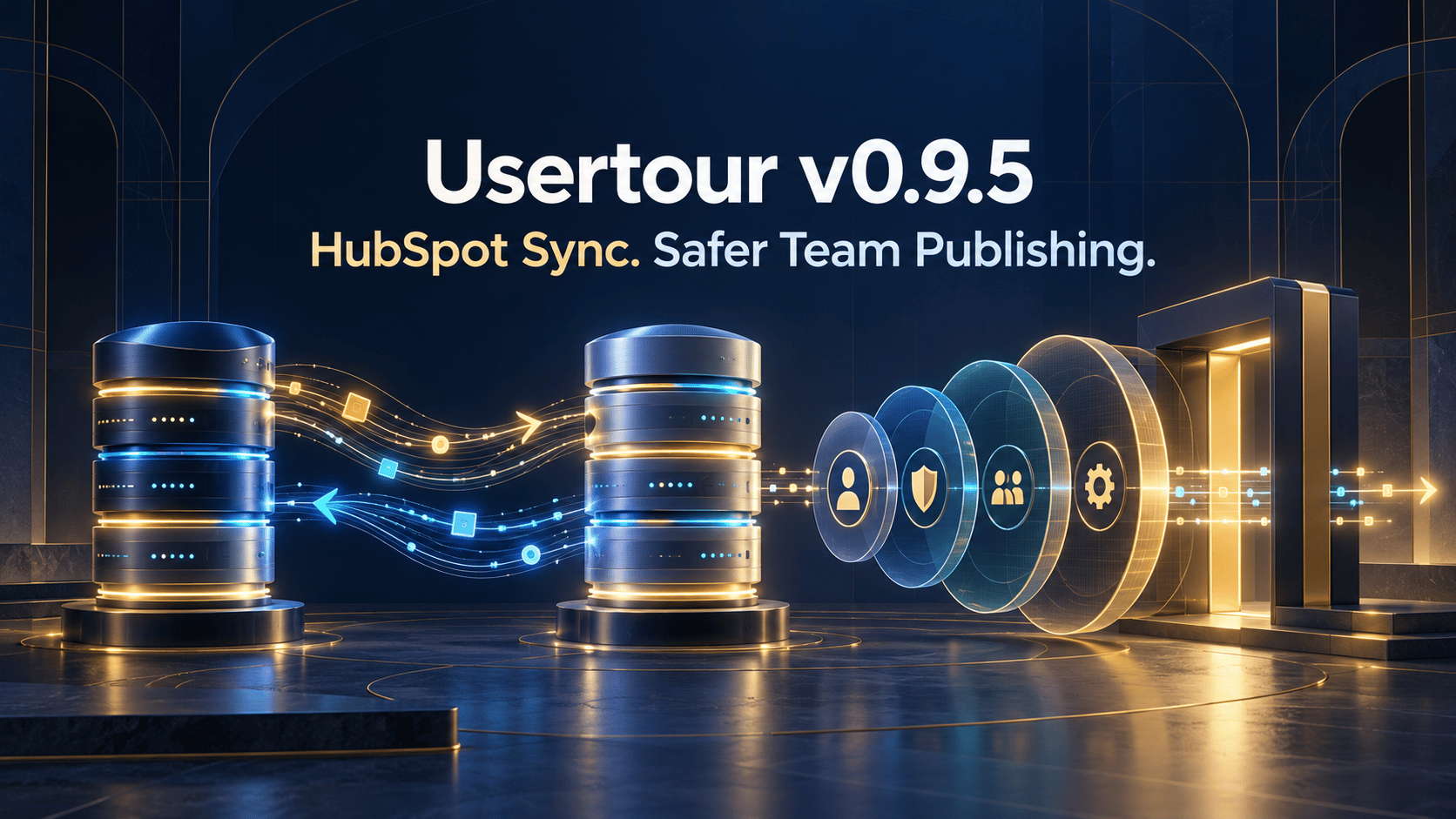
Usertour v0.9.5 connects both sides with a two-way HubSpot integration.
The release also introduces four clearly nested team roles and environment-level publishing controls for editors, giving larger teams a practical way to separate building onboarding from shipping it to production.
Two-way HubSpot property sync#
Connect HubSpot from Settings → Integrations → HubSpot with OAuth, or install Usertour from the HubSpot Marketplace and choose the target environment.
The integration supports two object pairs:
- HubSpot contacts ↔ Usertour users
- HubSpot companies ↔ Usertour companies
Each pair has its own match rule and property mapping in both directions.
Contacts can match by an email property or by a HubSpot property containing the external ID passed to usertour.identify(). Companies match using a property containing the ID passed to usertour.group().
Bring CRM context into onboarding#
HubSpot properties such as lifecycle stage, plan, industry, and owner become Usertour attributes. They appear with the HubSpot identity in attribute settings, user and company details, and the condition builder.
Those attributes can target content like any other attribute. A team can create onboarding for customers at a particular lifecycle stage, accounts in an industry, or users owned by a customer-success group without duplicating the CRM model in application code.
HubSpot remains the authority for inbound mapped properties. SDK writes are dropped, API writes are refused, and a synchronized attribute cannot be deleted or retyped while the mapping owns it.
Send product context back to HubSpot#
In the other direction, selected Usertour attributes are written to a dedicated Usertour property group on contacts and companies. The integration creates properties such as usertour_user_<name> and usertour_company_<name> as needed; it never writes into an unrelated HubSpot property.
Clearing a value on the source side clears the mapped value on the destination instead of leaving stale data.
Sync links records—it does not create CRM records. This avoids filling Usertour with every lead in HubSpot or filling HubSpot with product identities that do not belong there. A link is created only when both records exist, and mapping cards show unmatched counts.
Existing records can be linked with Run full sync. Incremental changes then move continuously: HubSpot edits reach Usertour through the change journal, Usertour attribute changes are written back, and a newly identified user is matched immediately rather than waiting for the daily backstop.
The integration works without a public inbound URL, so self-hosted installations on private networks can synchronize with HubSpot.
Put onboarding milestones on the CRM timeline#
The Timeline events card can send eight onboarding milestones to linked HubSpot contacts and companies:
- Flow started, completed, and ended
- Checklist started, completed, and task completed
- Survey question answered
- Launcher activated
These are native HubSpot events that can be used in lists, workflows, reports, and customer-success processes. Each event includes useful context such as content and version name, step or task, survey answer and score, page URL, and Usertour user ID.
The timestamp is the time the event occurred, and the outbound message ID makes retries idempotent.
The integration intentionally sends milestones rather than the entire analytics stream. Page views, individual flow steps, and custom events belong in the analytics integrations introduced in v0.9.4.
HubSpot is included from the Growth plan on Usertour Cloud. Self-hosted installations are not feature-gated and connect through their own HubSpot app credentials. Read the HubSpot integration guide for setup and mapping details.
Four roles with clear responsibility#
v0.9.5 replaces the previous project-role model with four strictly nested roles:
Viewer
Can read project content, settings, and results without making changes.
Editor
Builds content and manages operational resources, but publishes only to explicitly allowed environments.
Admin
Publishes anywhere, manages the team and SSO, reads the audit log, and sees plan and usage.
Owner
Adds billing and ownership transfer to every Admin capability.
The line between Editor and Admin is based on consequence. Editors can finish operational work: configure content, themes, users, environments, integrations, webhooks, and SDK credentials. Admins control who has access, where the team can publish, SSO, auditing, and project-level administration.
Publishing whitelists for editors#
Each Editor now has a list of environments where they are allowed to publish and unpublish.
An empty list means the Editor can build but cannot ship. Grant Staging but not Production to create a review boundary without preventing the editor from working across the project. Admins and the Owner can publish everywhere.
Personal API keys inherit their owner's publish whitelist as a ceiling. REST and MCP publish calls outside the allowed environments are refused, and MCP returns the permitted environment names so an assistant can adjust its plan.
Existing Admin members are migrated to Editors with every current environment in their whitelist, preserving their ability to publish during the upgrade. No member is automatically promoted into the new Admin role; the Owner should promote the people who need team, SSO, audit, and plan access.
SSO auto-provisioning can assign Viewer or Editor. A newly provisioned Editor begins with no publishing environment until an Admin explicitly grants one.
Redesigned transactional emails#
Email verification, password reset, team invitations, and integration auto-disable notices now share one responsive layout with:
- The Usertour wordmark
- One clear primary action
- A spelled-out fallback URL
- A footer explaining why the recipient received the email
- A plain-text alternative alongside HTML
Self-hosted emails load the wordmark from the instance itself rather than calling Usertour Cloud for an asset.
Discover Usertour in the official MCP registry#
The hosted Usertour MCP server is now published in the official MCP registry as io.github.usertour/mcp.
The registry entry advertises OAuth discovery instead of an API-key header, so compatible clients can open browser authorization and request scoped access without asking users to paste a token.
Important upgrade note#
Self-hosted v0.9.5 runs seven migrations, including the role conversion. After deployment, open Settings → Team and promote the members who should become Admins.
HubSpot requires credentials for a HubSpot app owned by the self-hosted operator. The callback URL, client ID, and client secret are documented in the integration package and HubSpot guide. No HubSpot traffic is relayed through Usertour Cloud.
CRM context without losing product control#
The HubSpot integration lets onboarding use CRM context and lets CRM teams see meaningful adoption milestones. The new role system adds the governance required when more people build and operate those connections.
Together, they make Usertour easier to run as a shared system across product, customer success, growth, operations, and engineering.
Read the full v0.9.5 release notes. Previous: v0.9.4: Analytics Integrations, Cohort Sync, and Zapier. Next: v0.9.6: Safer Rollouts, Smarter Attributes, and a Self-Healing SDK.