
You shipped a feature. Now comes the question that is easy to underestimate:
How will the people who need it find out?
Many teams answer with a changelog. Others put a modal or a small “What’s new” badge inside the product. Both can be useful, but they solve different problems.
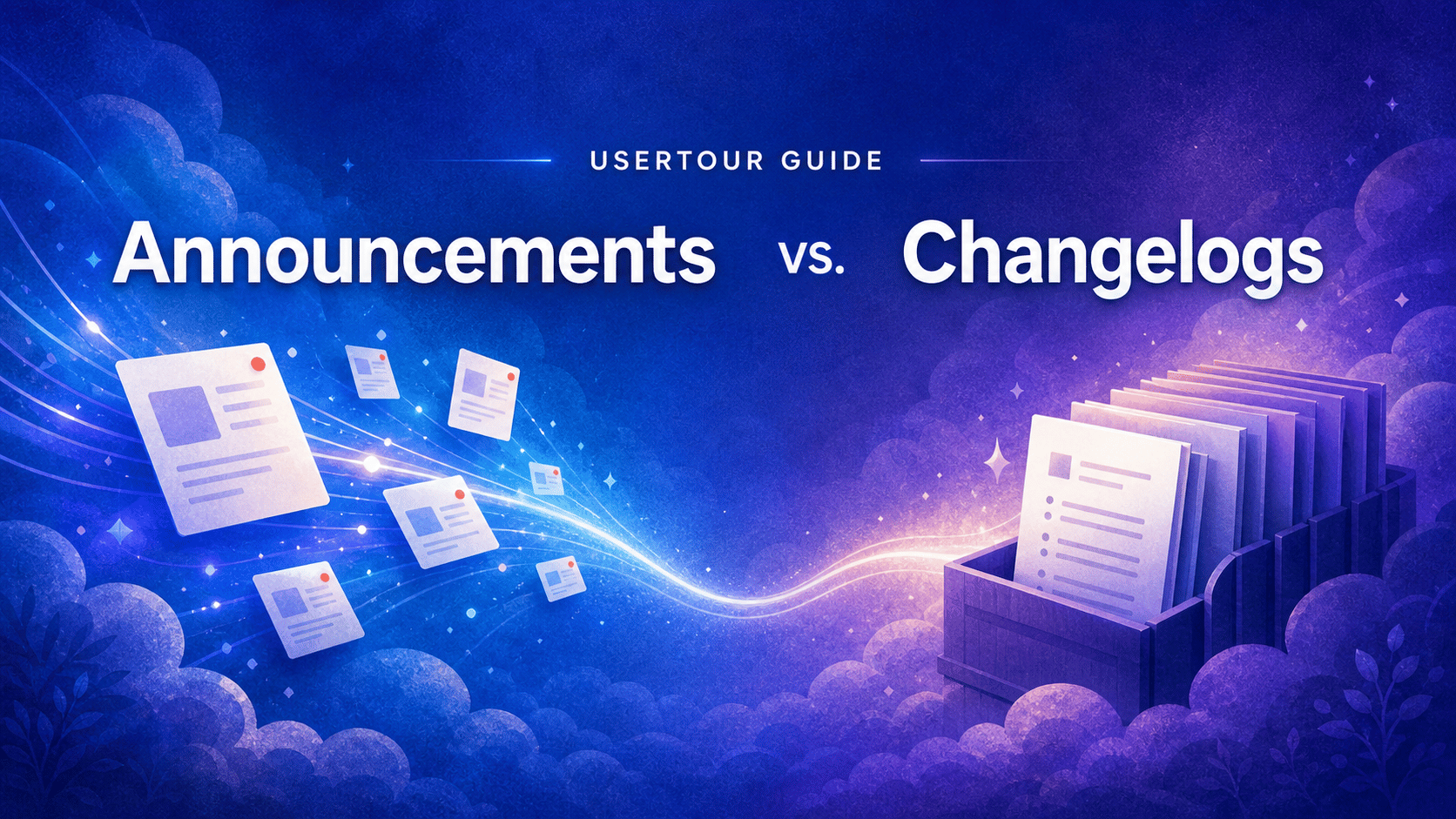
A changelog is the durable record of what shipped. An in-app announcement is the timely, targeted message that helps the right user discover and act on a change while they are using the product.
One is a library. The other is delivery.
Treating them as interchangeable is how important launches get buried in a release log — or how users end up interrupted by messages that should have stayed in the background.
The short answer#
Use a changelog when you need a complete, chronological, and easy-to-reference record of product changes.
Use an in-app announcement when a change matters to a particular user segment and you want them to notice it, understand it, or take an immediate next step.
For meaningful launches, use both:
- Publish the full context in the changelog.
- Send an in-app announcement to the users affected by the change.
- Link the announcement to a flow, a setup page, or the full release note when users need help getting started.
That gives you a permanent source of truth without expecting people to hunt for it.
What is a changelog?#
A changelog is a dated record of product changes. It is usually public, chronological, and designed for people who want to look something up rather than be interrupted.
Good changelogs help customers, prospects, support teams, and internal stakeholders answer questions such as:
- What changed this month?
- When did this feature become available?
- Was this bug fixed already?
- Is there a release note I can send to my team?
Because a changelog is meant to be a reference, it can include changes that do not need active promotion: minor improvements, bug fixes, performance work, small UI refinements, and developer-facing updates.
The important property is permanence. A changelog should still be useful three months after the release, when a customer success manager is looking for context or a prospect is checking how quickly your product evolves.
What is an in-app announcement?#
An in-app announcement is a message delivered inside the product. It exists to get a relevant update in front of active users, at the moment it can be useful.
Unlike a changelog entry, an announcement can be:
- Targeted to the plans, roles, accounts, or behaviors that matter
- Scheduled to appear at a specific launch time
- Presented quietly in a feed, with an unread badge, or as a one-time pop-up
- Connected to a CTA that starts a flow or opens the new feature
- Measured by who saw it and what they did next
That makes it a product-adoption tool, not simply a release-note format.
For example, a new enterprise permission setting does not need to interrupt every individual contributor. But it probably should reach workspace owners, admins, and the customers who asked for it. That is an announcement job.
Changelog vs. in-app announcement#
| Changelog | In-app announcement | |
|---|---|---|
| Primary job | Create a durable release record | Drive awareness and action for a relevant update |
| Audience | Anyone who wants to browse or search for changes | The users or segments affected by the update |
| Timing | Available whenever someone looks for it | Delivered around the moment the update matters |
| Scope | Can include every meaningful release and fix | Should be reserved for updates worth a user’s attention |
| Experience | Passive and self-serve | Contextual, targeted, and optionally interruptive |
| Best metric | Findability, readership, subscriptions, support deflection | Views, CTA engagement, feature discovery, and adoption |
The difference is not that one is “better.” The difference is that they operate at different points in the user journey.
The mistake: using a changelog as the only distribution channel#
Publishing release notes is good product hygiene. Assuming users will discover them is not a launch strategy.
Most customers do not wake up and check a vendor’s changelog. They are trying to finish work. If a new feature helps them do that work, the most useful place to introduce it is inside the product — where the feature and the user’s intent meet.
This matters even more as teams ship more frequently. If every small improvement becomes an email, a modal, and a social post, users learn to tune out. A useful rule of thumb is to match the delivery method to the significance of the change:
- Silent ship: log small fixes and minor improvements in the changelog.
- Targeted launch: add a changelog entry, then announce it in-app only to the users who will benefit.
- Major release: publish the changelog entry, use an in-app announcement, and offer a guided flow or short demo for people who need to adopt the new workflow.
Recent product-launch guidance makes the same case: ship small changes quietly, segment the updates that matter to a subset of users, and use in-app messaging for the major changes that active users need to understand in context. Userpilot’s 2026 guide is a useful example of this tiered approach.
The mistake: using announcements as a changelog replacement#
The opposite mistake is making every release an announcement.
Announcements compete for attention. If every copy tweak, bug fix, and minor performance improvement carries a badge or a pop-up, the important launches become indistinguishable from the routine ones.
Users do not need a notification for every change. They need confidence that important changes will be communicated clearly and that the full history is available when they need it.
This is why a changelog remains valuable even when you have sophisticated in-app messaging. It gives your team a calm, complete place to document the long tail of product progress.
When to use a changelog only#
Use a changelog without an announcement when the update is useful to record but does not change a user’s next best action.
Typical examples include:
- Bug fixes and reliability improvements
- Performance improvements
- Small design refinements
- Internal architecture changes
- Minor API or developer-experience improvements
- Changes that affect too small an audience to justify a broadcast
Write these entries clearly. A changelog should still explain the user impact, not just repeat an internal ticket title. But it does not need to demand attention.
When to use an in-app announcement#
Use an announcement when users would get more value from the product if they knew a change existed now.
Good candidates include:
- A new capability that changes a core workflow
- A feature requested by a known customer segment
- A launch that needs users to complete a setup step
- A migration or behavior change that affects how people work
- An upcoming maintenance event that users should prepare for
- A time-sensitive event, promotion, or webinar relevant to a product audience
The message should explain the outcome, not simply state the feature name. “Build reports from a saved template” is stronger than “New report templates.” The first tells the user what they can do; the second only tells them what your team named the release.
How to use both without creating noise#
The strongest release communication has one canonical explanation and several purposeful ways to reach people.
Start with the changelog entry. It should include the context, what changed, who it affects, screenshots or examples where useful, and any limitations or rollout details.
Then create an announcement for the affected users. Keep the summary brief and actionable. If there is more to explain, use a Read more link to the longer release note. If users need to learn a new workflow, add a CTA such as “Show me how” that opens a flow.
In Usertour, Announcements live in the Resource Center as a dated feed. They can be shown silently, with an unread badge, or as a one-time pop-up. You can target them, schedule them, and see who viewed them — which makes them a natural delivery layer for the releases that deserve more than a changelog entry.
For a detailed example, see the Usertour v0.8.7 announcement release, which introduced this workflow.
A simple decision checklist#
Before you publish, ask:
- Does this change need a permanent public record? If yes, add it to the changelog.
- Will a particular user group get more value if they know now? If yes, create an in-app announcement for that group.
- Does the user need to learn or configure something? Add a flow or a direct CTA.
- Would interrupting every user be disproportionate? Use a feed entry or badge instead of a pop-up.
- Can we measure whether the message worked? Track views, CTA engagement, and the feature behavior that follows.
The bottom line#
Changelogs document your product’s progress. Announcements turn the most relevant parts of that progress into timely customer communication.
You do not have to choose one over the other.
Use the changelog to make every release findable. Use in-app announcements to make the important ones discoverable. Then connect the announcement to the next meaningful action, so a launch becomes more than a line in a release log.