
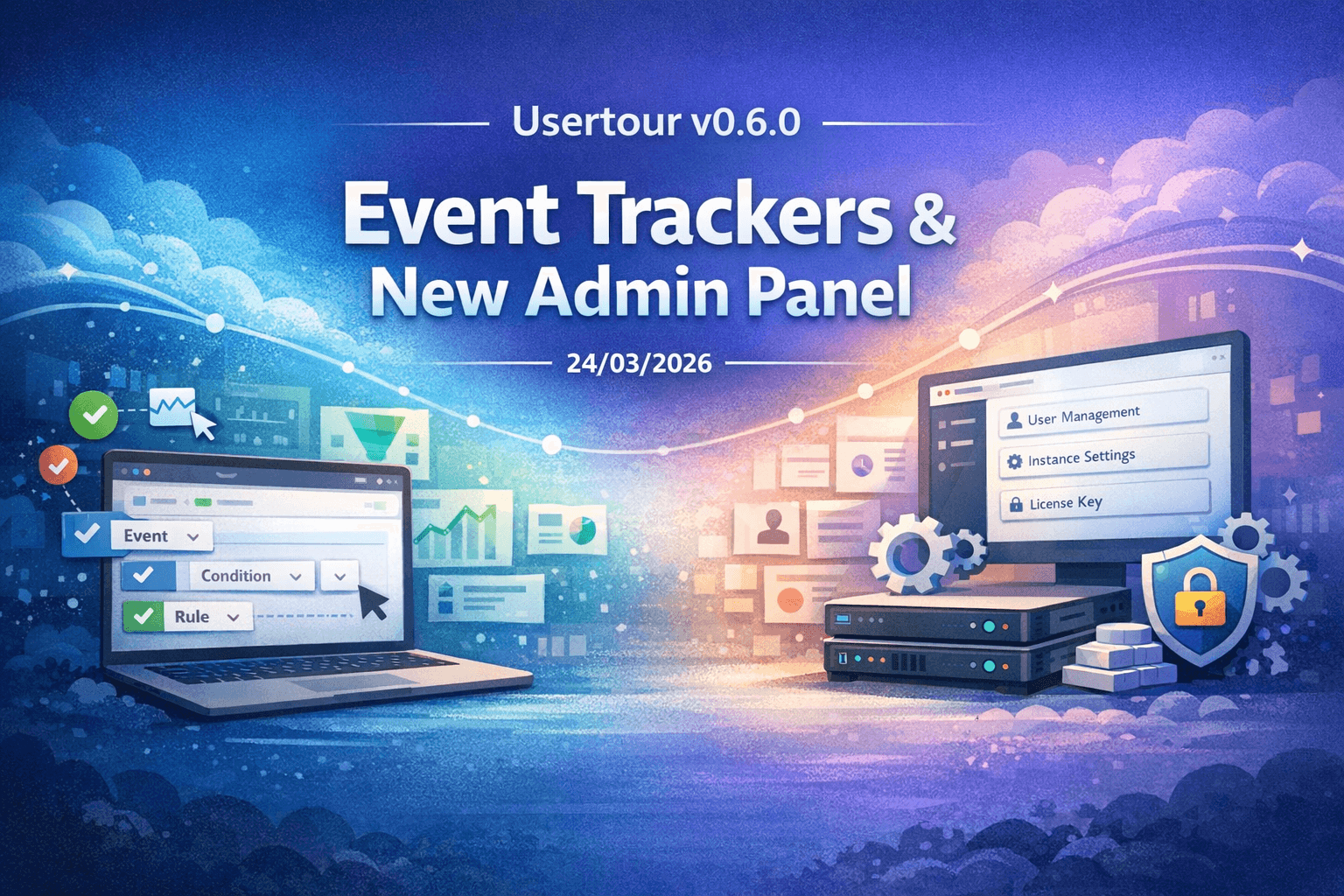
Usertour v0.6.0 brings two major upgrades to the platform: Event Trackers and a new self-hosted Admin Panel.
This release is about expanding what teams can manage with Usertour.
On one side, Event Trackers make it easier to capture product events, use them in rules, and carry them into analytics workflows. On the other, the new Admin Panel gives self-hosted teams a dedicated place to manage system administration, instance settings, licensing, users, and projects.
Event Trackers#
Event Trackers are the biggest product addition in v0.6.0.
They give teams a more complete way to work with event-based tracking flows inside Usertour. Instead of treating events as a small supporting input, Usertour can now handle them as a first-class part of how you define behavior, build logic, and analyze outcomes.
With Event Trackers, you can now:
- Capture and manage event-based tracking flows
- Create event-related content directly in the product
- Build rules with event conditions and event filtering components
- Track richer client and business context alongside events
- Carry event data into analytics and export workflows more cleanly
This matters because event-driven onboarding and activation usually break down when the workflow is fragmented. Teams end up tracking events in one place, building logic in another, and trying to reconstruct context later.
v0.6.0 brings those pieces closer together.
The rule builder has been expanded with new event condition and filtering components, so event-based logic feels like part of the product rather than an edge case. Tracking context has also been improved with more client and business information, which makes downstream analysis more useful when you need to understand not just that an event happened, but in what context it happened.
We also tightened the underlying event pipeline with improved websocket event tracking, validation, and response handling. That makes the new tracking flow more reliable in real product environments, where events need to be handled consistently and predictably.
A new Admin Panel for self-hosted teams#
The second major upgrade in v0.6.0 is a new Admin Panel for self-hosted deployments.
Self-hosted teams need more than the core product experience. They also need clear operational controls: who administers the instance, how settings are configured, how licensing is managed, and how users and projects are maintained over time.
This release adds that missing administrative layer.
With the new Admin Panel, self-hosted teams can now:
- Set up system administrators
- Manage users and projects from a dedicated admin surface
- Configure instance-level settings, including general and authentication setup
- Manage project-level subscription controls
- Upload and validate license keys at the instance level
This gives self-hosted deployments a more complete control plane. Instead of spreading operational work across separate flows, teams now have a clearer place to manage the instance itself.
Licensing is a big part of that story. v0.6.0 adds license key upload, validation, and instance-level license management, while also improving license limit handling and related validation behavior across instance and project workflows.
For teams running Usertour in their own environment, that makes setup and ongoing administration much more straightforward.
Smaller improvements across the platform#
v0.6.0 also includes a set of smaller but important improvements around analytics, export, and platform polish.
That includes:
- CSV export support for analytics-related data
- Better analytics queries and filtering
- Improved export handling for checklist, session reason, and flow question data
- Expanded test coverage for export payload generation
- Improved admin navigation, layouts, and search
- Improved project member management and owner selection flows
- Better redirect URL handling through configuration
- Terminology updates from
companytoprojectacross multiple areas - Fixes for
date-fns-tztype issues - Server dependency upgrades related to advisories
These changes are not the headline of the release, but they help make the new workflows more complete and more practical to use day to day.
Why v0.6.0 matters#
v0.6.0 pushes Usertour forward in two important directions.
First, it makes Usertour more event-driven. Event Trackers give product teams a stronger foundation for capturing behavior, building rules around it, and using that data in analytics workflows.
Second, it makes Usertour more operationally complete for self-hosted deployments. The new Admin Panel gives teams a proper place to manage the instance, the license, and the people and projects inside it.
Together, those changes make Usertour more capable both as a product onboarding platform and as a system teams can run and administer with confidence.
Learn more#
- System Admin docs: https://docs.usertour.io/open-source/system-admin
- License Management docs: https://docs.usertour.io/open-source/license-management
- Full Changelog: https://github.com/usertour/usertour/compare/v0.5.0...v0.6.0