
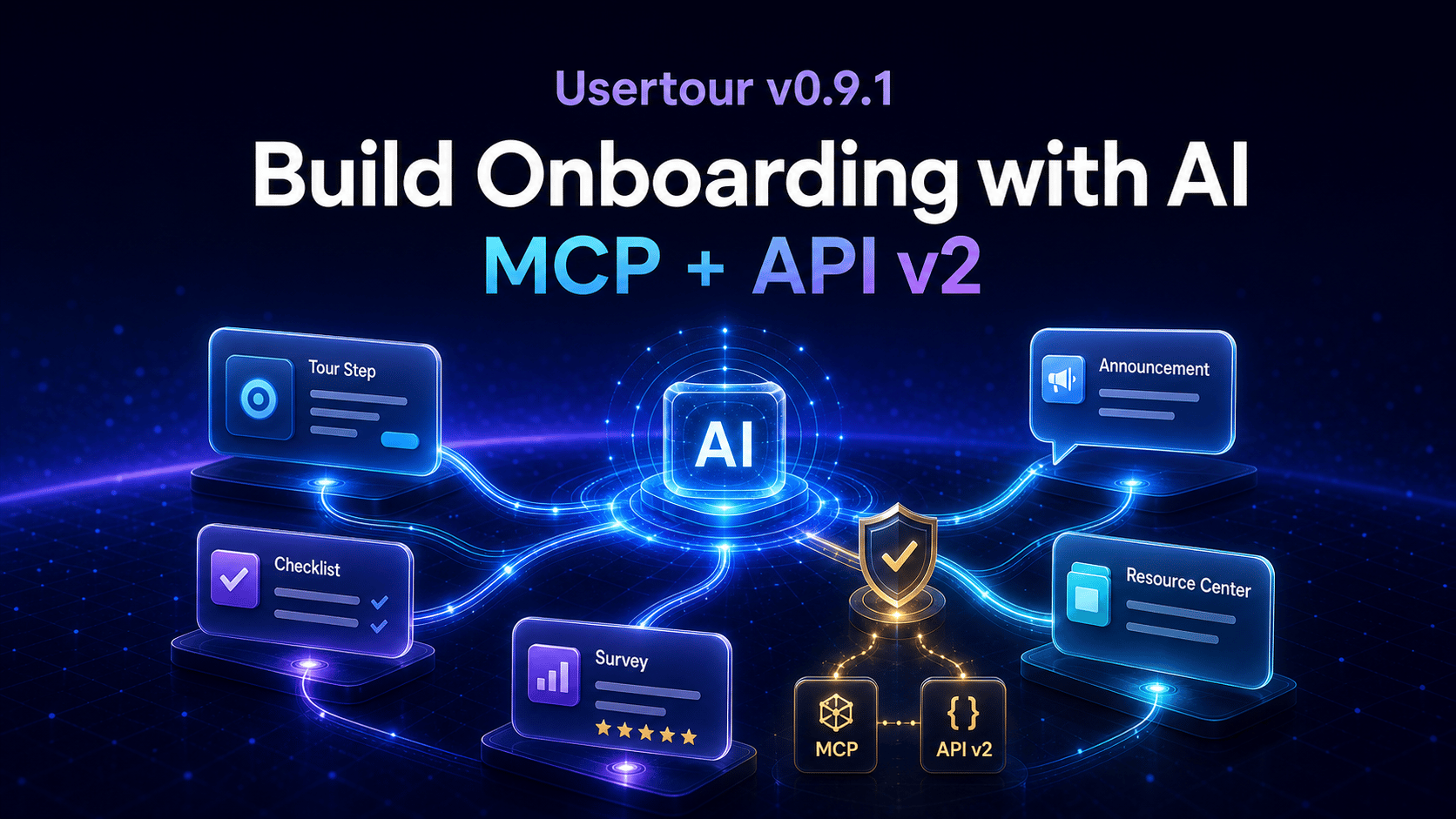
Onboarding is often one of the last parts of a product to become programmable. Teams build the feature in code, then manually recreate its explanation in a visual tool: a tour, a checklist, an announcement, a survey, and a Resource Center entry.
With Usertour v0.9.1, that workflow changes. Usertour now has a public v2 REST API and an MCP server that let AI assistants understand, create, publish, and debug onboarding directly in your project.
Describe the experience you want in Claude Code, Cursor, Codex, VS Code, or ChatGPT. The assistant can inspect your app, connect to Usertour with the access you approve, create the content, and verify whether it will actually reach the right users.
Watch Claude Code build a complete onboarding experience#
The best way to understand the release is to watch it happen.
In this video, Claude Code works against a real shadcn-admin app. Starting from prompts, it installs the Usertour SDK when it notices it is missing, reads the app's design system, and builds a production-ready onboarding experience that matches the product rather than a generic template.
Across four prompts, the assistant creates:
- A feature onboarding flow, anchored to the real UI
- An adoption checklist connected to relevant flows
- A structured product-feedback survey
- A welcome announcement and a Resource Center that bring the journey together
The point is not to replace product judgment with a long prompt. It is to remove the translation layer between the product context your development environment already knows and the onboarding experience your users need.
MCP gives your assistant a real onboarding workspace#
Usertour's MCP endpoint gives an assistant more than a generic API wrapper. It provides the context needed to work safely and productively inside an onboarding project.
The server has 67 tools, including an on-demand authoring guide, per-content-type schemas, and a routing map delivered during connection. That means an assistant can discover how Usertour content is structured before it begins writing it.
It can create flows, checklists, launchers, banners, surveys, announcements, and Resource Centers; work with themes, attributes, events, segments, users, and analytics; then publish or leave the result as a draft for review.
It can also answer the questions teams normally investigate by hand:
- Why is this flow not showing?
diagnose_contentruns the same runtime gates as the SDK—published state, identity, start rules, frequency, and session state—and explains which conditions match. - What can this user see now?
diagnose_usersorts published content into showing, queued, blocked, and browser-dependent states for a specific person.
That combination matters. An agent that can write onboarding but cannot understand the delivery rules will create drafts. An agent that can inspect the runtime behavior can help create an experience that is actually ready to ship.
API v2 opens the whole product surface#
The new public v2 API is the foundation beneath MCP. It is a contract-first REST API that covers content and versions—including steps, blocks, conditions, actions, and triggers—as well as themes, attributes, events, segments, environments, users, companies, sessions, and analytics.
For developers, that makes several workflows possible:
- Generate or synchronize onboarding content from your own tools
- Build internal review or release workflows around drafts and publishing
- Query product data and analytics to discover adoption gaps
- Create AI-assisted authoring pipelines without depending on a browser session
- Keep content changes inside your existing engineering controls
The API reference is generated from the same schemas the server validates, and is published as OpenAPI documentation. Reads support cursor pagination, ordering, typed filters, and object expansion. Writes are transactional and return the stored result, while stable error codes and rate-limit headers make integrations predictable to operate.
AI-assisted authoring should refuse silent failures#
An AI agent does not have the same visual feedback loop as a person using the builder. It can create a configuration that looks plausible in JSON but can never render for a user.
v0.9.1 addresses that directly. The API rejects invalid content structures at write time and checks version completeness at publish time. You can also call validate_content_version to dry-run those same publish checks before a release.
The system warns about configurations that are technically valid but operationally wrong: content with no route to start, unresolved embeds, invalid attribute tokens, themes that lose conditional variations, or URL patterns that match far less than intended.
This gives AI authoring a necessary standard: faster creation, without quietly putting broken onboarding into production.
Connect once, grant only what the assistant needs#
MCP connections use OAuth 2.1 with PKCE. In Claude Code, install the Usertour plugin and run /mcp; the browser opens a Usertour consent screen where you select the project, environments, and permissions the connection can use.
/plugin marketplace add usertour/skills
/plugin install usertour@usertour
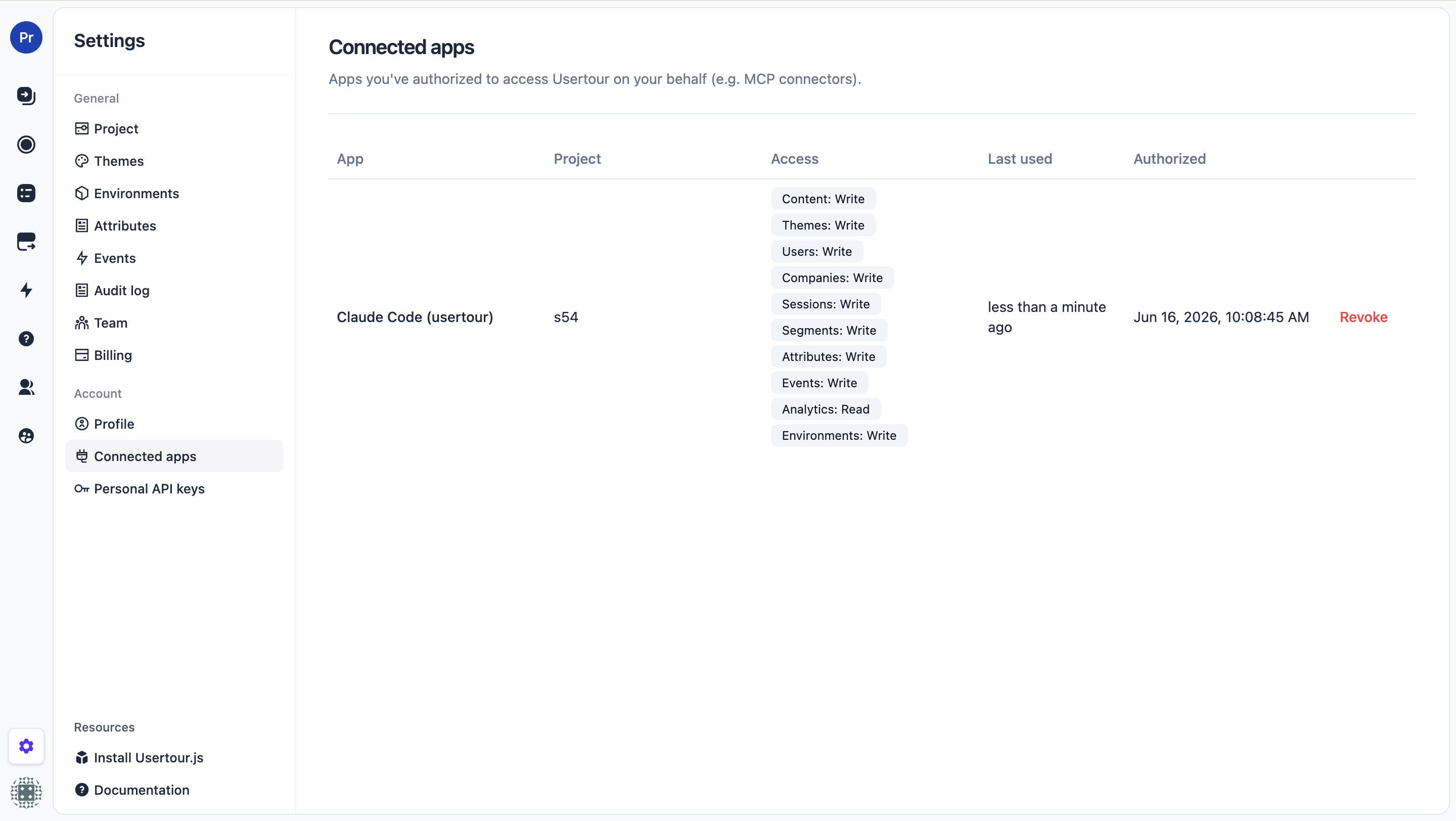
The connection acts within that grant and your current project role—it never extends it. You can choose read-only access, leave production unselected, or grant only the specific content, analytics, or theme capabilities needed for a task. If the owner is demoted or removed from the project, the connection narrows or stops working immediately.
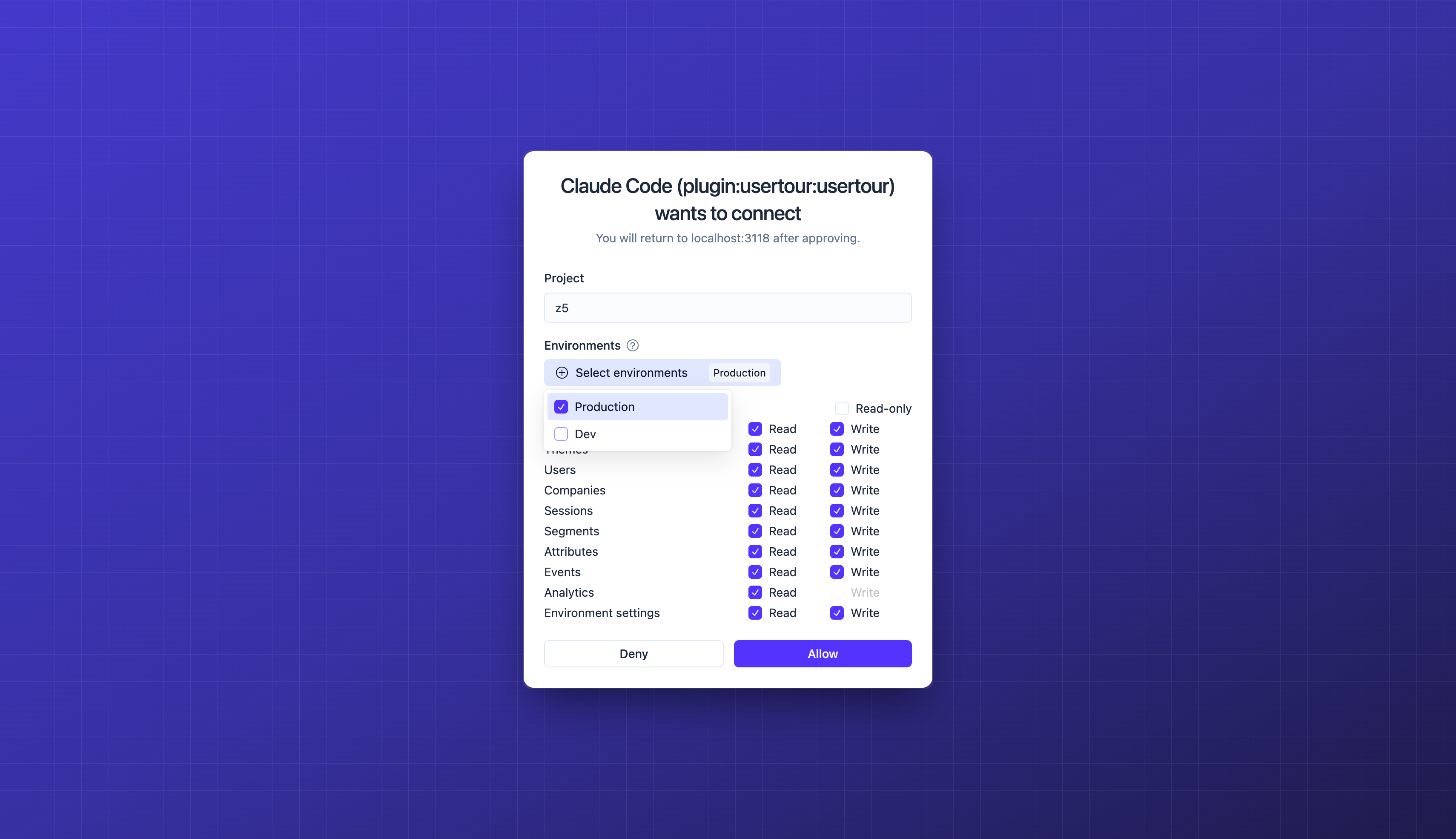
For clients that do not support OAuth, personal API keys provide the same scoped v2 access. Every external write—whether it comes from the web app, REST API, or MCP—is captured in the audit log with its actor, source, resource, environment, and timestamp.
Start building onboarding with AI#
If you use Claude Code, install the Usertour plugin, run /mcp, approve the connection, and give it a real product task. Ask it to inspect the page and design system first; then ask for one focused, production-ready experience rather than a generic tour of every button.
For the complete walkthrough—including the four prompts used in the video—read Build Your Onboarding with AI. To connect another client or explore the 67 tools, see the MCP server reference. Developers can start directly from the API v2 reference.
This is the direction we think onboarding should take: still deliberate and measurable, but no longer separated from the product context, development workflow, and AI tools teams use to build everything else.
Review the full v0.9.1 changelog for the complete release.