
Product onboarding does not exist in isolation. A completed flow may need to update a customer-success workflow. A published checklist may need to notify an internal system. A user or company change may need to reach your data pipeline while it is still useful.
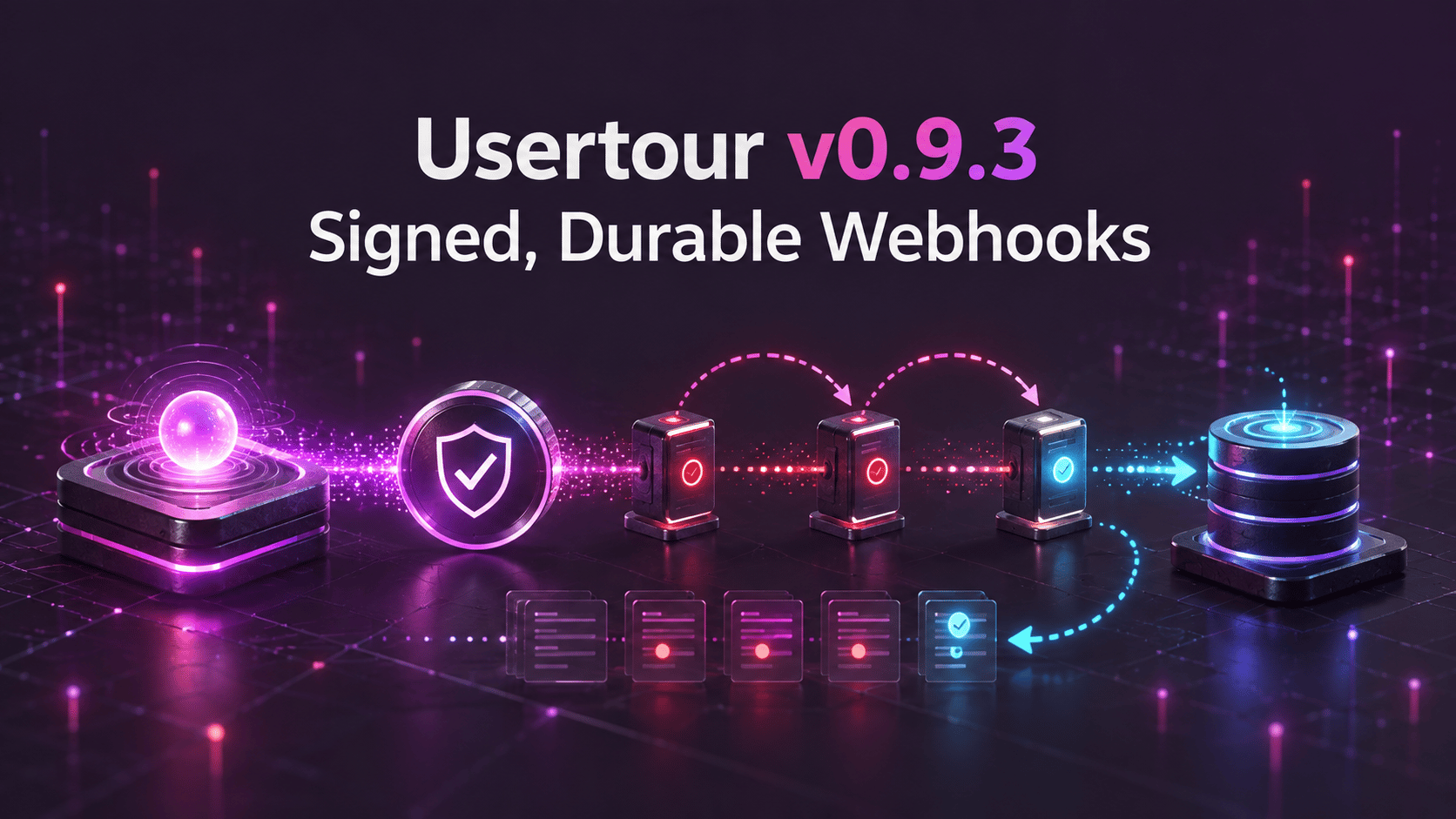
Usertour v0.9.3 introduces outbound webhooks: signed, durable event delivery to an HTTPS endpoint you control.
Webhooks can send tracked events, content publishes, and user or company changes as they happen. They retry through receiver outages, retain each message and delivery attempt for 30 days, and give teams a direct way to inspect and resend a failed delivery.
Subscribe to the events your system needs#
Webhook endpoints live in Settings → Webhooks and belong to one environment. Production and Staging keep separate endpoint lists, signing secrets, and traffic.
Each endpoint can subscribe at several levels:
- Everything
- A family such as all user changes or all tracked events
- A group within a family
- One exact topic
Family subscriptions automatically include compatible topics added later. High-volume page_viewed events are excluded from wildcard subscriptions and must be selected explicitly.
Topics include the tracked events already defined in a workspace—such as flow completion or checklist task completion—plus content.published and entity changes:
user.created,user.updated, anduser.deletedcompany.created,company.updated, andcompany.deleted
User and company update messages include the current object and previousAttributes, containing only the fields that changed. That makes it possible to react to a plan, lifecycle, owner, or account-state change without reconstructing the previous state downstream.
Verify every message#
Every delivery carries an X-Usertour-Signature header with a timestamp and an HMAC-SHA256 signature calculated from the exact request body using the endpoint's whsec_… secret.
Receivers can verify that the payload came from Usertour and reject a replay outside their accepted timestamp window. Secrets are encrypted at rest and can be rotated at any time; a rotation applies immediately, including to messages already waiting for another attempt.
The Send test event action sends a webhook.test message on demand. Teams can confirm DNS, TLS, routing, and signature verification before waiting for real product activity.
Delivery survives an outage#
A receiver that is unavailable for an afternoon should not lose onboarding events.
Each message receives up to eight attempts over roughly 24 hours. The retry ladder begins after five seconds and expands through one minute, ten minutes, one hour, four hours, eight hours, and twelve hours. Responses with 429 or 503 and a Retry-After header move the next attempt to the requested time.
Repeated failures activate a circuit-breaker-style cooldown:
- After ten consecutive failed attempts, the endpoint pauses for one minute.
- The delay doubles while failures continue, up to one hour.
- New messages are still recorded and wait for the cooldown to end.
- A successful test event ends the cooldown immediately.
- Seven days of continuous failure disables the endpoint and emails the project owner.
Cooldown protects a struggling receiver without throwing away traffic. The fastest recovery path is to fix the endpoint and send a successful test.
Inspect and resend from a 30-day log#
The endpoint detail page stores each message for 30 days with:
- The payload exactly as sent
- Current delivery status
- Every attempt and response code
- Response excerpts and errors
- Attempt duration
After fixing a receiver, use Re-send to deliver the same payload with the same message ID and append the result to the existing history.
Webhook delivery is at least once. Message IDs stay stable across automatic retries and manual resends, so consumers can deduplicate on the ID. Ordering across different messages is not guaranteed; consumers should rely on the timestamps carried by each object.
Manage webhooks through API v2 and MCP#
Webhook endpoints are a v2 REST resource under an environment. That allows infrastructure scripts to provision and update endpoints alongside the systems that consume them.
The MCP server exposes the same workflow through list_webhooks, create_webhook, update_webhook, and delete_webhook. A token needs webhook:manage to receive the signing secret; read-only access returns the rest of the endpoint configuration without returning the capability to forge a message.
On Usertour Cloud, webhooks are available from the Starter plan. Self-hosted installations are not feature-gated.
A clearer starting point after signup#
v0.9.3 also changes the first screen after signup. New users choose between two starting points:
- Build with AI opens the assistant connection guide.
- Build it yourself continues into the dashboard.
The AI path provides direct entry points for supported clients and turns into a copyable starter prompt after authorization. Manual connection steps remain available as a fallback.
Reliability and security under the hood#
Webhook delivery is built on a shared outbound ledger: one record for the message payload and one record for every attempt. Domain events enter the ledger only after their database transaction commits, so rolled-back work cannot produce an external message.
Additional safeguards include:
- AES-256-GCM encryption for signing secrets
- HTTPS-only endpoints by default
- DNS-rebinding and private-address protections
- Reconciliation that restores a message if its queue job is lost
- Compare-and-swap protection for concurrent breaker and delivery-state updates
The Docker image also now runs Node as PID 1, allowing docker stop to deliver SIGTERM correctly and shut down HTTP, Redis, Prisma, and queue workers in order.
Connect onboarding to the rest of your stack#
Webhooks turn Usertour activity into an input for any system that accepts HTTPS: customer success, internal automation, warehouses, alerting, lifecycle messaging, or your own application backend.
The important part is not merely sending a POST request. It is having the signing, retry, inspection, and recovery behavior required to operate that connection with confidence.
Read the full v0.9.3 release notes and the webhooks documentation. Previous: v0.9.2: Reliable Self-Hosting Behind Proxies. Next: v0.9.4: Analytics Integrations, Cohort Sync, and Zapier.